
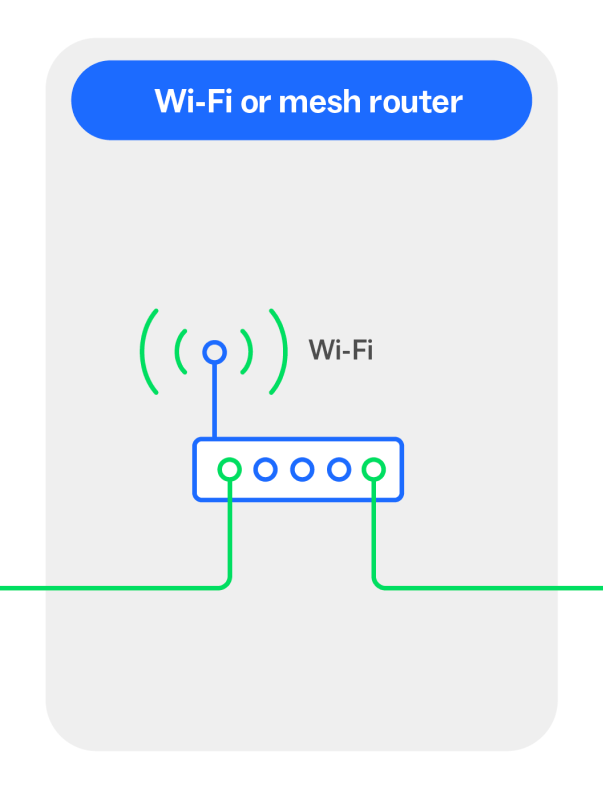
Your Wi-Fi router can connect to your devices through either wired or wireless connections, giving you the flexibility to roam with Wi-Fi or the dependability of a wired connection.
If your internet connection feels slow, drops out, or struggles during busy times, your setup could be keeping you from getting the best from your nbn-powered plan. Wireless, wired or a combination of both – let's find the connection type that could work best for you.
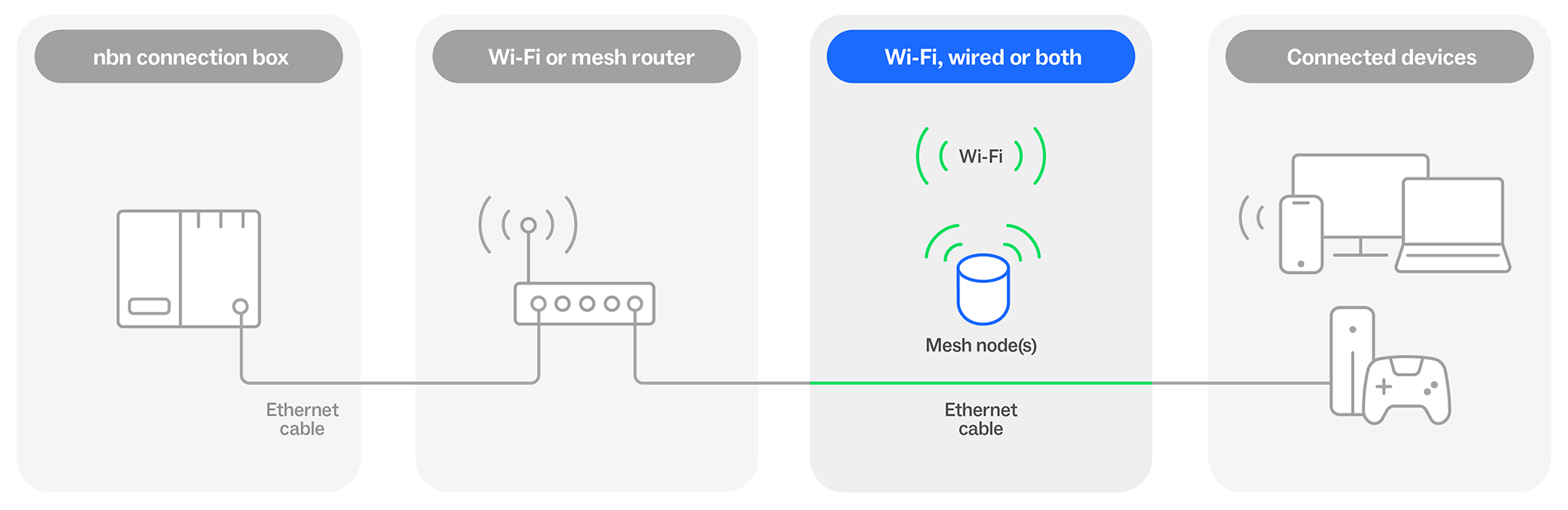
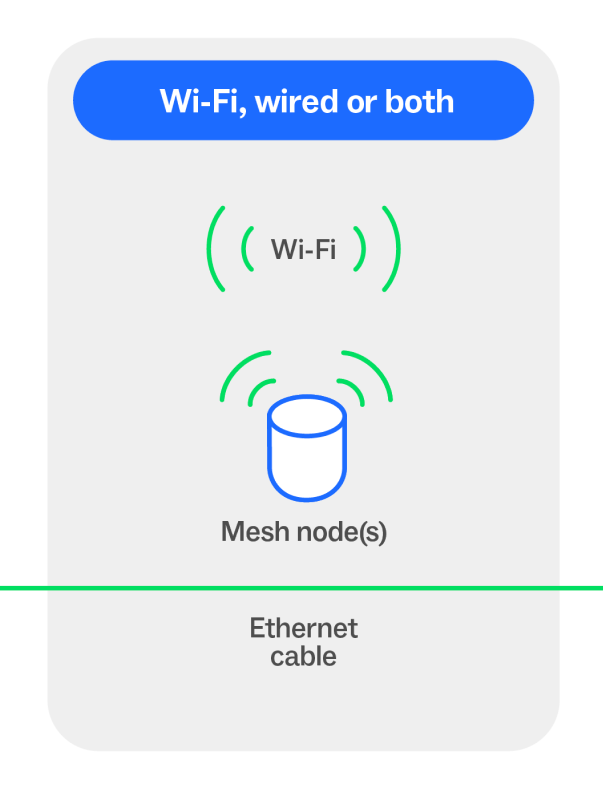
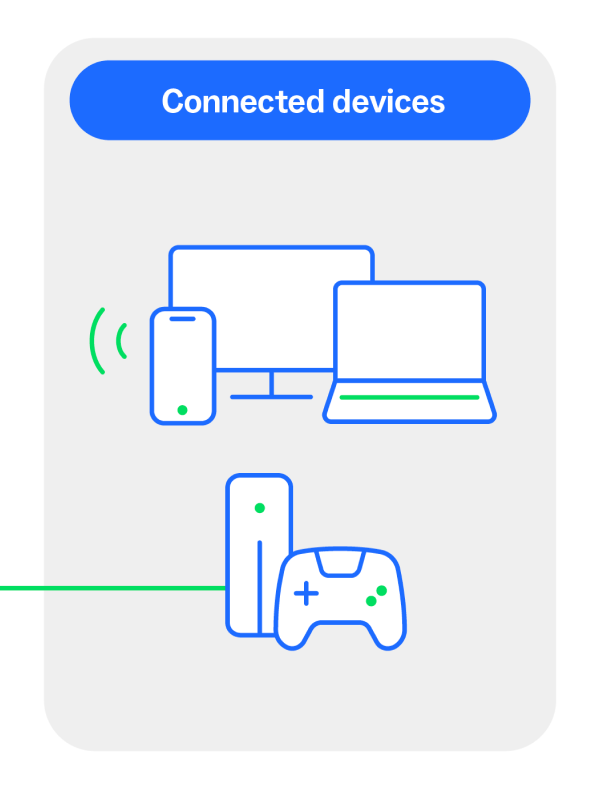
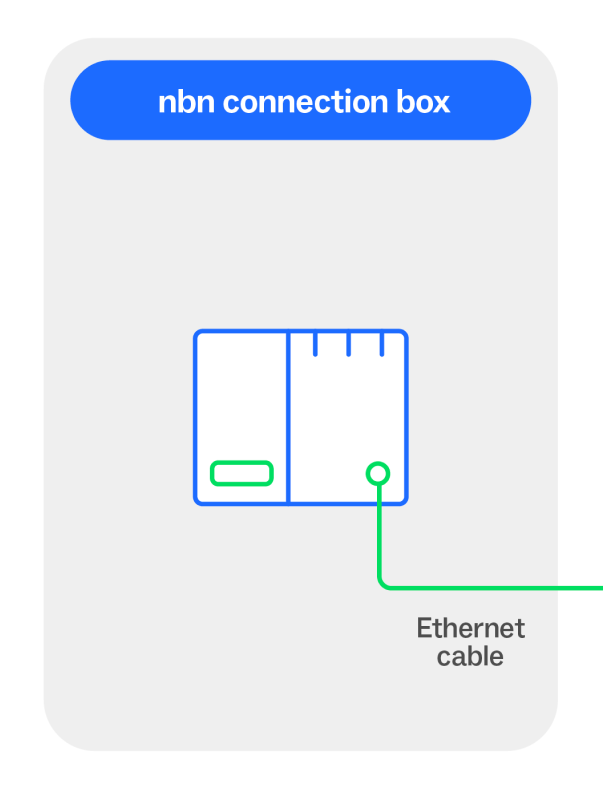
Wi-Fi connections
A Wi-Fi connection links your devices to the Wi-Fi router without cables, connecting through a wireless signal. It's convenient, doesn’t require extra wiring and can work well for smaller homes and businesses.
However, depending on your home’s layout, you may experience lag, dropouts or slow speeds the further you move away from your Wi-Fi router. Thick walls, appliances, or simply the distance the Wi-Fi signal has to cover can degrade your Wi-Fi performance.
Wired connections
A wired connection uses an Ethernet cable to connect a device physically to your Wi-Fi router. This can help reduce demand on your Wi-Fi network and can offer a faster, more stable performance.
To support multiple connections you may require extra cabling and equipment, because each device will need its own Ethernet cable.

Check your Ethernet cables can support your connection
Cabling tips:
- Check that your cables aren’t kinked, crushed, or damaged.
- Make sure all cables are firmly plugged in at both ends.
- Older or lower-grade cables may not be able to keep up with higher speed plans. Choose at least CAT 6 cables when considering new cabling.
- Consider choosing at least CAT 6 cables when getting new cabling.
Not sure what your Ethernet cables are capable of? Ask your service provider or electronic retailer about whether the standard of your Ethernet cable could be putting on the brakes between your Wi-Fi router and your connected device.
Wi-fi and wired: why not both?
For homes with three bedrooms or more, multi-storey layouts, or if you need to connect a lot of devices, a combination of Wi-Fi and wired connections can help you get the performance you want.
For example, you can:
- Connect high-demand devices like smart TVs or gaming consoles directly to your Wi-Fi router with Ethernet cables to achieve the best speed performance and reliability.
- Use your Wi-Fi for devices that require more mobility around the home, like smartphones or tablets.
- Use a Wi-Fi mesh network to improve your Wi-Fi signal. Connecting the Wi-Fi mesh nodes with Ethernet cables can help give you a stronger Wi-Fi signal and more stable performance, if the Wi-Fi signal from the mesh nodes isn’t meeting your requirements.
Plan ahead for wired connections
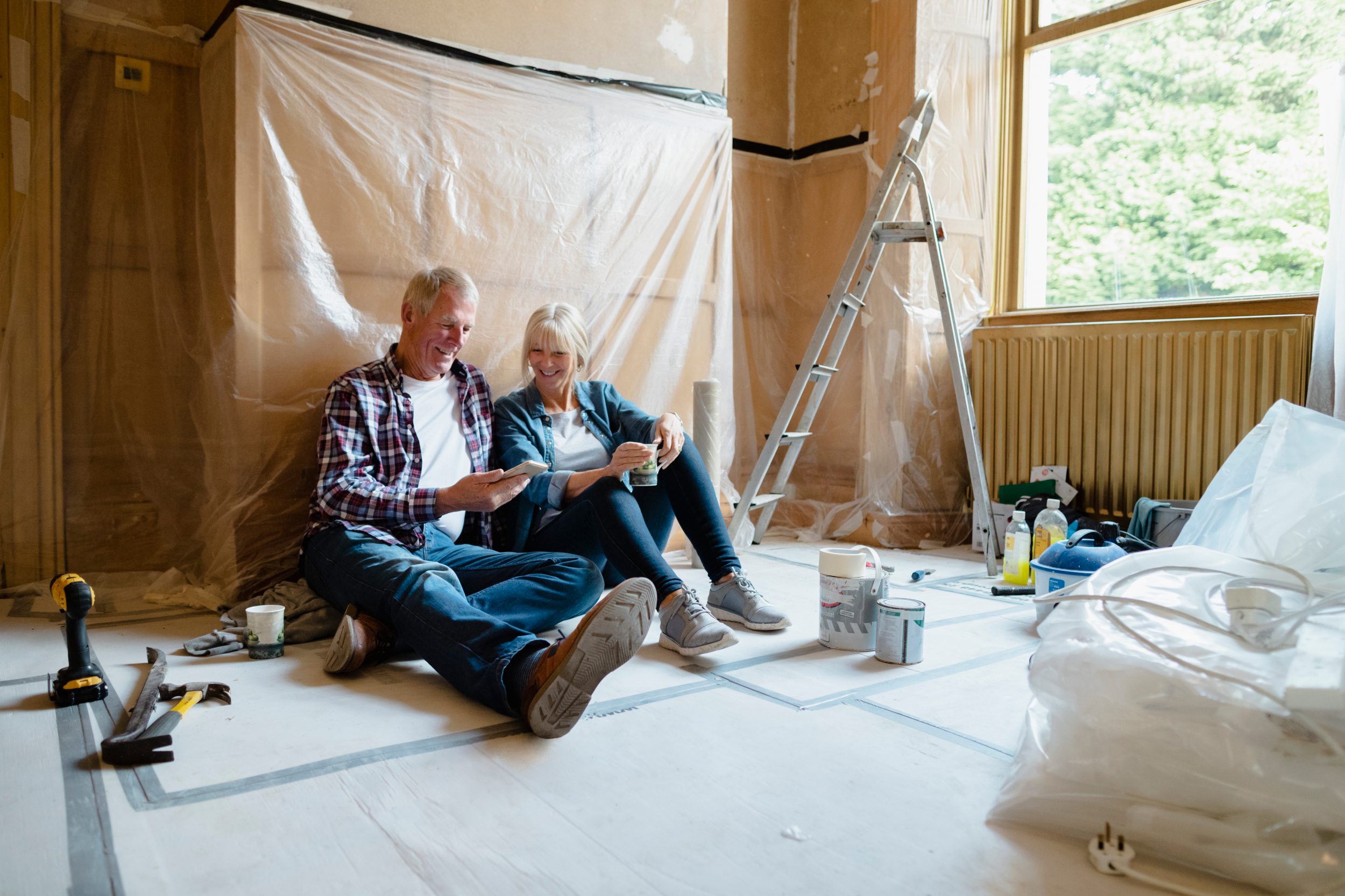
Whether you’re building, renovating, or want to upgrade your cabling, planning ahead helps you improve connection performance and reduce troubleshooting later.
Think about size and layout and your future connectivity needs
Consider questions like:
- Does your home have at least three bedrooms or multiple storeys?
- Are there walls made of materials that may weaken Wi-Fi, like brick, concrete, or metal?
- Will you add smart devices like EV chargers or security cameras?
Talk to a registered cabler for support
Ask a registered cabler about installing additional Ethernet sockets (or data ports) in high-use areas, like lounge rooms, offices, or games rooms.
Avoid extra work in the future
Map out your cabling requirements now so it's installed while you build or renovate. That way you can be ready to connect once you complete your construction. For more information, visit the Australian Registered Cablers website.