
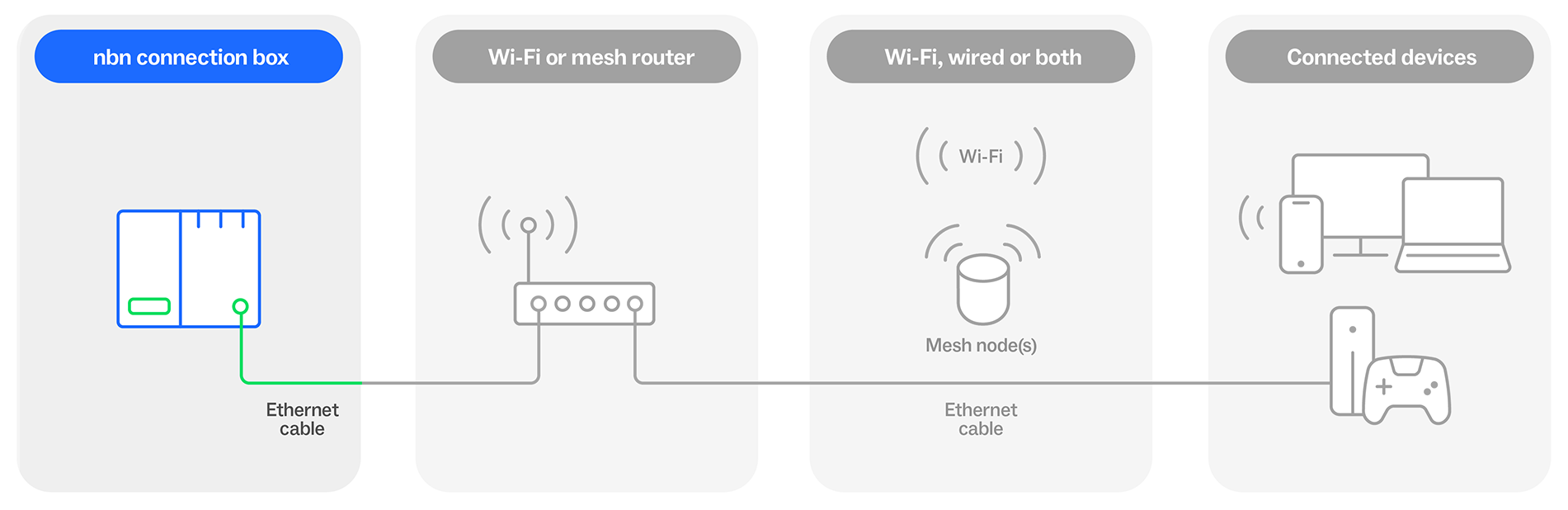
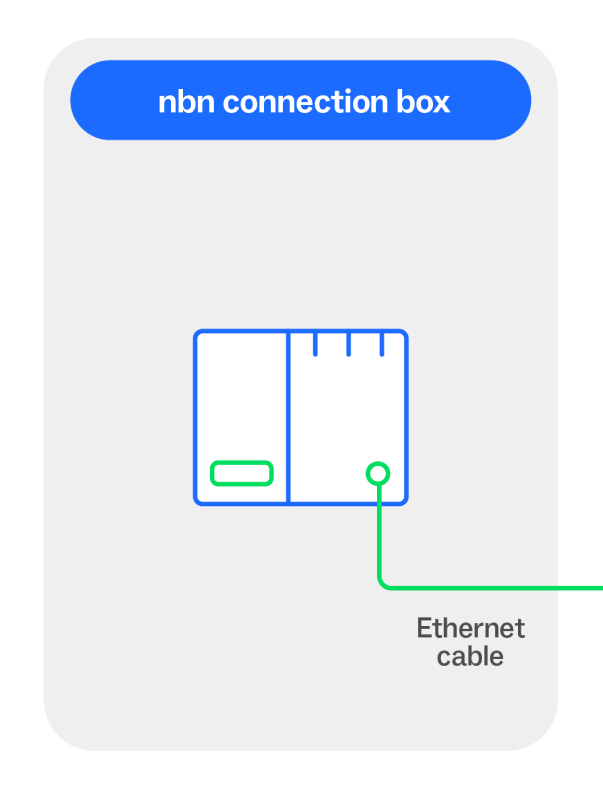
Your connection begins with your nbn connection box. Also called a Network Termination Device (NTD), your nbn connection box sends and receives data across the nbn network.
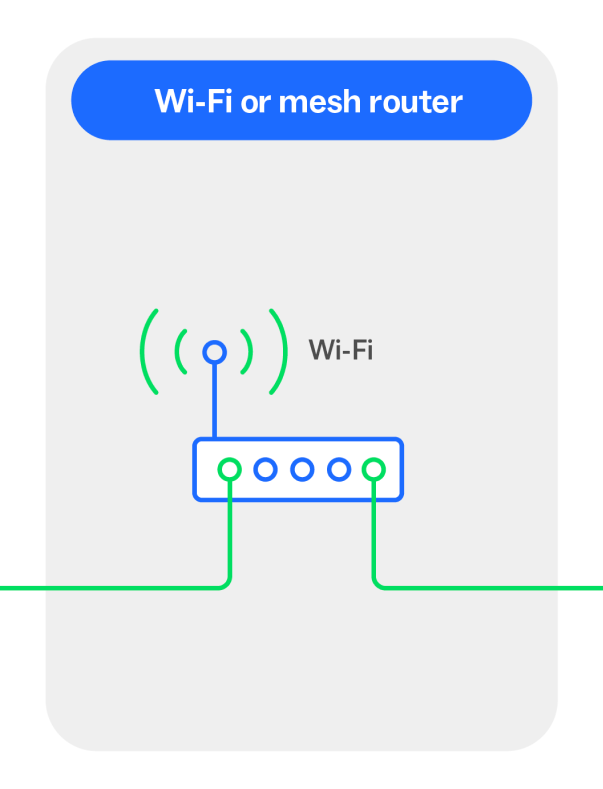
When you connect your Wi-Fi router to your nbn connection box, it connects your internal setup to the internet. Your Wi-Fi router takes the data received from the nbn connection box and shares it as a signal around your home or business.
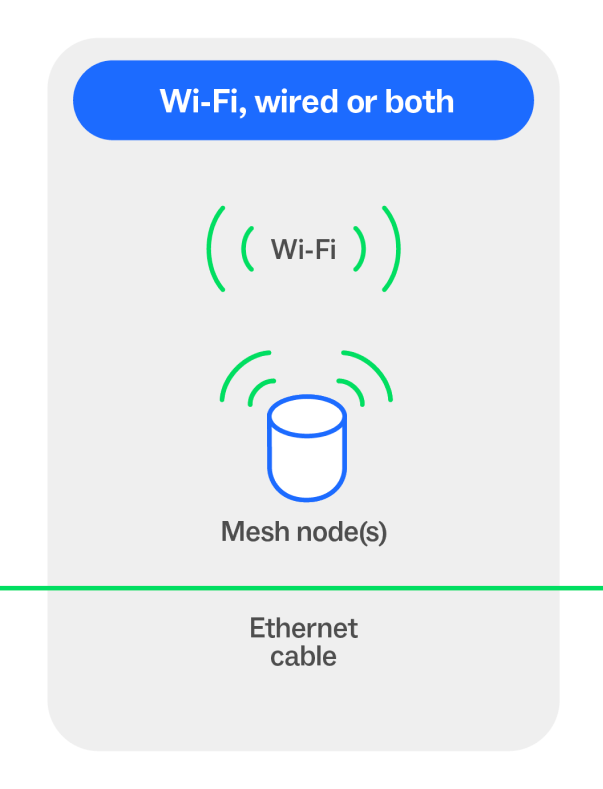
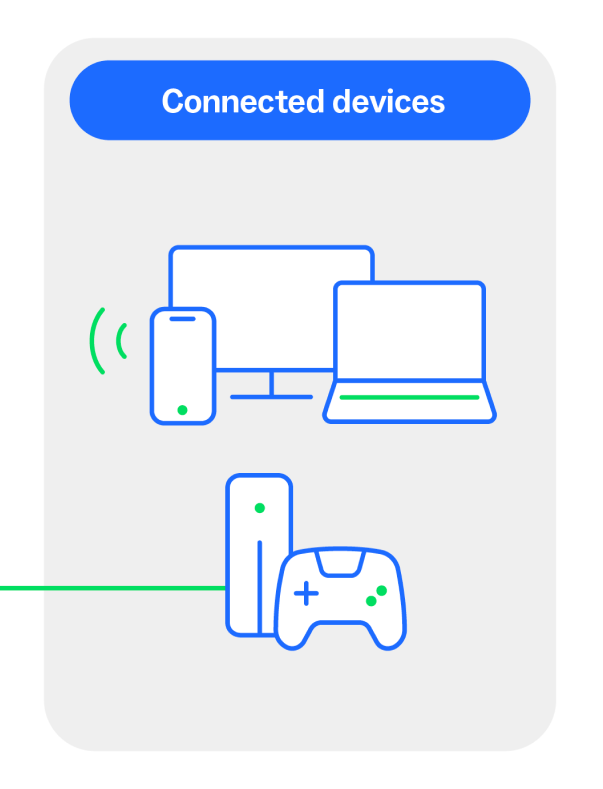
This allows laptops, phones, smart TVs and other devices to connect to the internet.
Having connection issues?
If your internet connection is not working as expected, there are some things you can check on your nbn connection box:
- Make sure that all cables are securely plugged in
- Look for any warning lights on the nbn connection box indicating an issue
- Try restarting your nbn connection box and Wi-Fi router
Connected over FTTN or FTTB
If you have an nbn service over Fibre to the Node (FTTN) or Fibre to the Building (FTTB), your connection does not use an nbn connection box.
Moving home or Business? Leave the nbn equipment behind
Please leave the nbn connection box behind when moving home or business. The nbn connection box is only set up for the address it was installed at, and it won't work at another location. It also has an nbn logo on it, so you can easily identify what you need to leave behind.
Accidentally took the nbn equipment with you? You can return it free of charge using our Returns Portal via Australia Post
How to replace a missing nbn connection box
If you’re moving somewhere with an existing Hybrid Fibre Coaxial (HFC), Fibre to the Premises (FTTP), or Fibre to the Curb (FTTC) connection and the nbn supplied equipment is missing, please reach out to your service provider and let them know – they will help organise a new nbn connection box to be delivered and installed if required.