
To enjoy a great online experience, all of your internet setup should be optimised to work together.
Have you checked the Wi-Fi generation of your devices?
The Wi-Fi generation built into your connected devices can play a big role in how fast, stable and reliable your internet feels at home. Older devices or those using older Wi-Fi generations may perform more slowly, even if they’re on the same plan and connection setup as new devices.
As households connect more devices than ever, understanding the Wi-Fi generation your devices use can help explain these differences in performance.
The most suitable Wi-Fi generation for you will depend on your internet plan and the speeds it is capable of.
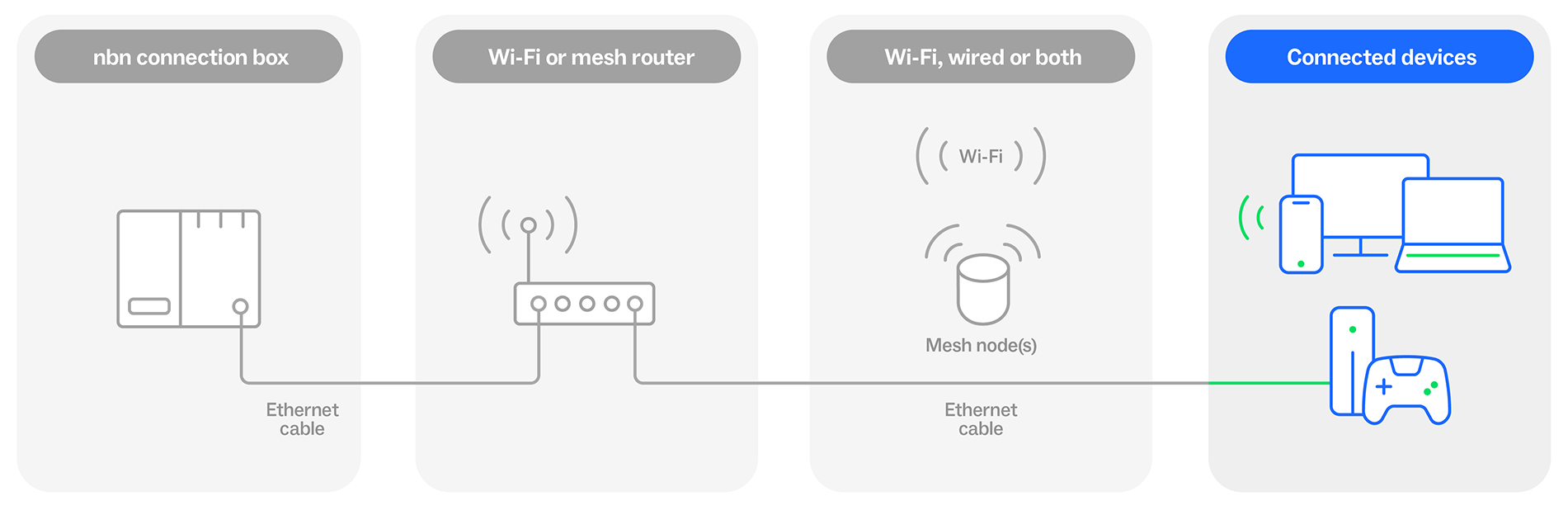
If your connected device and setup don’t have fully compatible Wi-Fi generations, you can still connect but your speeds may be impacted. It depends on the slowest part of your setup – whether it’s your Wi-Fi router, cables or device.
How different setups may impact Wi-Fi performance
An older device + newer Wi-Fi router?
An older device released in 2009 or earlier with Wi-Fi 4 can only get speeds up to 100Mbps, even if your new Wi-Fi router with Wi-Fi 6 supports much higher speeds.
An older Wi-Fi router + new devices?
If your Wi-Fi router only supports Wi-Fi 4, all your devices, even your new ones (like the latest gaming console), will be limited to a maximum speed of 100Mbps. This is because your Wi-Fi router can only reach up to 100Mpbs
A newer Wi-Fi router + new devices?
A fully compatible setup means your Wi-Fi router, connecting cables and ports, and your devices should all be capable of reaching the potential speeds offered by your plan.
An older device + newer Wi-Fi router?
An older device released in 2009 or earlier with Wi-Fi 4 can only get speeds up to 100Mbps, even if your new Wi-Fi router with Wi-Fi 6 supports much higher speeds.
An older Wi-Fi router + new devices?
If your Wi-Fi router only supports Wi-Fi 4, all your devices, even your new ones (like the latest gaming console), will be limited to a maximum speed of 100Mbps. This is because your Wi-Fi router can only reach up to 100Mpbs
A newer Wi-Fi router + new devices?
A fully compatible setup means your Wi-Fi router, connecting cables and ports, and your devices should all be capable of reaching the potential speeds offered by your plan.
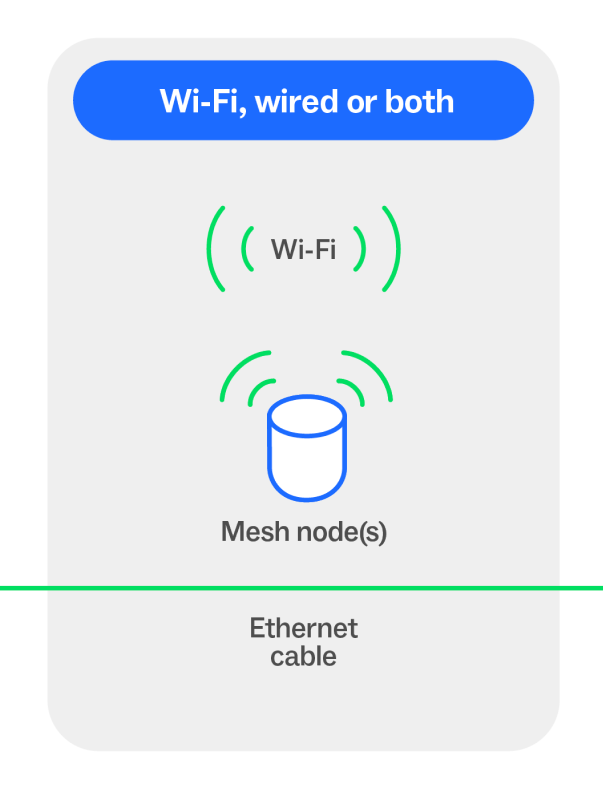
Connecting devices to your Wi-Fi router using an Ethernet cable? The ports on your Wi-Fi router and your cable may support different speeds so make sure they are also compatible with your setup.
How many devices do you have?
The average household globally has around 25 connected devices in the home*. When they’re online, all of these devices share your plan’s bandwidth, which can slow your speeds and affect performance – especially if multiple devices are streaming, gaming, or uploading large files at once.
If you have a lot of connected devices online at the same time and notice your internet speeds are slower than expected, talk to your service provider about your current setup and plan.